ZERO-SHOT EXTRACTION
Extract data without training a model.
Use zero-shot extraction to capture data from contracts, forms, invoices and other documents. Define your fields and extraction guidance, then test the results.
Explore zero-shot extraction


DOCUMENT WORKFLOW AUTOMATION
Automate your document workflows from capture to delivery. Configure AI data extraction, formatting, validation and human review, then send structured data to your systems.
DOCUMENTS IN

DELIVER TO
WORKFLOW SETUP
Choose what to capture, add your business rules and connect a destination. Test with your documents before going live.
Start with a workflow from the library or configure one for the documents you process.
Explore the libraryDefine fields, format data, add validation rules and choose how records are reviewed and delivered.
Check the results with representative documents. Refine your settings, then activate the workflow.
HOW IT WORKS
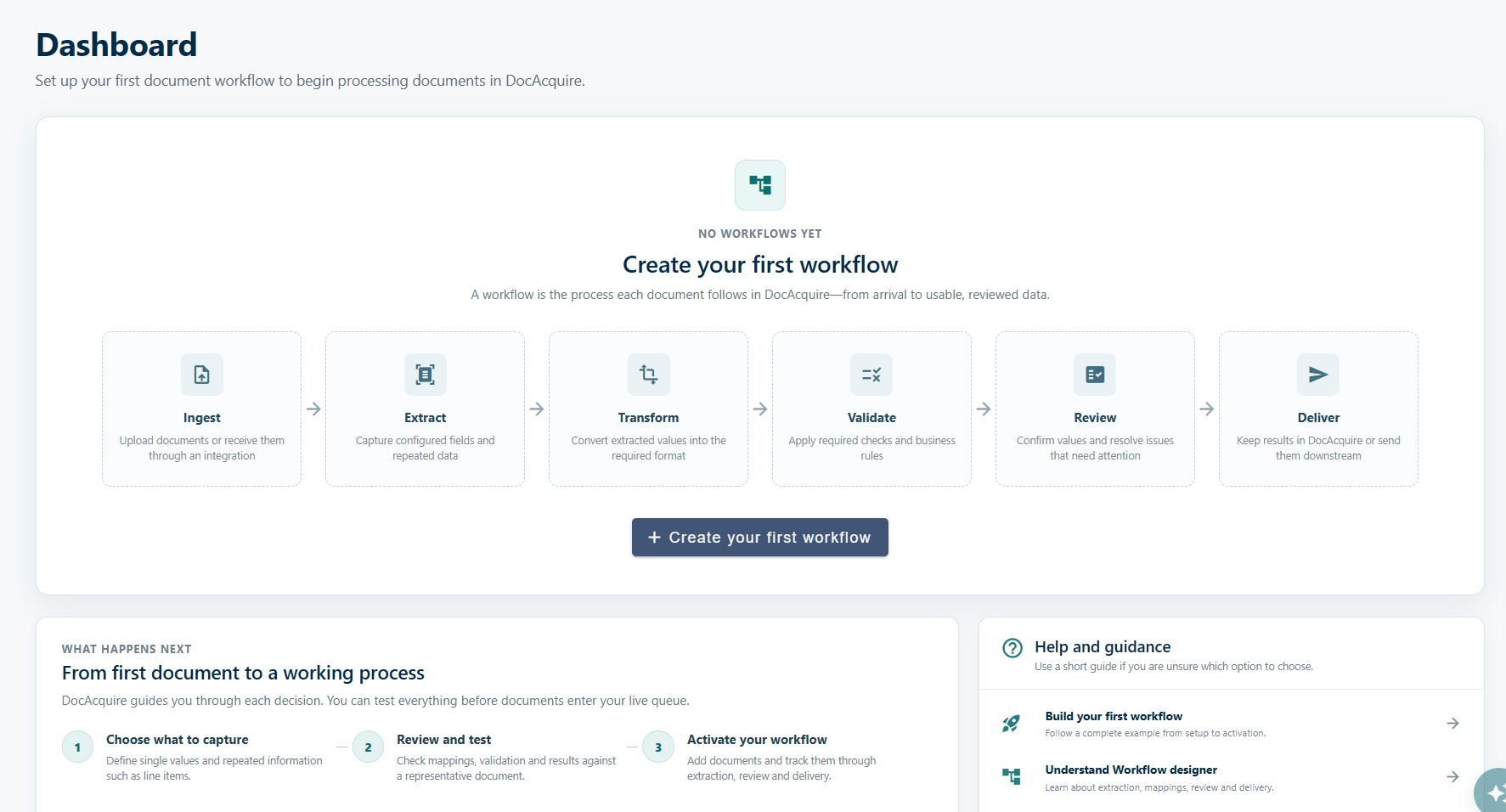
Collect documents, extract and format data, validate results, review exceptions and deliver records to your systems.
01 / 06
Collect documents from your sources.
Upload PDFs and images, import Outlook emails and attachments, or submit documents through the API.
EMP-0284 · Signed agreement
02 / 06
Extract document data with AI.
Capture fields, tables and repeated sections from your documents. Define what to extract without training a model for each layout.
03 / 06
Format data for your systems.
Map extracted values to your output fields. Standardise dates and numbers, apply lookups and calculate values.
04 / 06
Validate data with business rules.
Check required fields, ranges, allowed values and dates. Set warnings or blocking rules for records that need attention.
Blocking failures need attention before delivery.
05 / 06
Review and correct exceptions.
Check extracted values against the source document and correct them before delivery. Review all documents, focus on exceptions or omit routine review.
Blocking failures still need attention. Business approvals stay in your downstream systems.
Reference RA-3108
Term 12 months
Deposit $1,200.0006 / 06
Deliver data to connected systems.
Send eligible records to your applications, databases or cloud storage. Track delivery status and use supported retries when needed.
PLATFORM CAPABILITIES
Extract data, search document content and process different layouts, languages and handwriting.
ZERO-SHOT EXTRACTION
Use zero-shot extraction to capture data from contracts, forms, invoices and other documents. Define your fields and extraction guidance, then test the results.
Explore zero-shot extraction
DOCUMENT CHAT
Use Document Chat to ask questions, find key details and summarise document content.
Explore Document Chat
Split larger documents into sections for easier organisation and processing.
Extract text and data from multilingual and handwritten documents, including Arabic and other right-to-left scripts.
INTEGRATIONS & API
Send structured data to your ERP, CRM, finance applications or storage. Connect your document workflows with connectors, webhooks and the API.
Explore integrationsFile upload · Outlook · API
 Capture → Check → Review → Deliver
Build around your process. Use the customer API to submit documents, track processing and retrieve results.
WORKFLOW LIBRARY
Choose from 30 document workflows across six business areas, including finance, HR, legal and logistics. Adapt the fields, checks and delivery to your process.
Discuss your workflowFLEXIBLE DEPLOYMENT
Run DocAcquire in our managed cloud, your private cloud or on your own servers.
Get started with DocAcquire in a cloud environment managed by our team.
Run DocAcquire in your own cloud environment, aligned with your infrastructure requirements.
Deploy DocAcquire on your own servers, within the infrastructure your organisation manages.
BEFORE YOU GET STARTED
Have a specific process in mind?
Let’s talk about
your workflow ↗
No. Zero-shot extraction uses your configured fields and guidance without a separate model for each layout. Test your workflow with representative documents before activation.
Yes. Test extraction, transformations and validation with representative documents. Adjust your configuration before activating the workflow.
No. Choose review for all documents or exceptions, or omit routine review. Blocking validation failures still need attention before delivery.
No. Document review checks and corrects extracted data. Business decisions and approvals take place in your downstream systems.
Yes. Use configured destinations, connectors and API access to send records to your applications and storage.
Choose Managed Cloud, Private Cloud or On-Premises deployment to fit your infrastructure and data requirements.
LET’S BUILD YOUR WORKFLOW
Tell us which documents you process. We’ll show you how to automate the workflow.