

At DocAcquire, we’re committed to not only streamlining document processing with intelligent automation but also ensuring that our platform is easy to navigate, user-friendly, and efficient for every user.
That’s why we’re excited to introduce a significant transformation in our User Interface (UI) — designed to elevate your experience from the very first click.
As document volumes rise and workflows grow more complex, we knew it was time to give our platform not just a facelift, but a full experience upgrade. Our new interface is built to make managing your documents more efficient, insightful, and satisfying.
This upgrade isn’t just about new colors or modern aesthetics. We’ve made specific, purposeful changes to how the platform looks and works; all aimed at improving your productivity and user experience. Here’s exactly what we changed — and why.
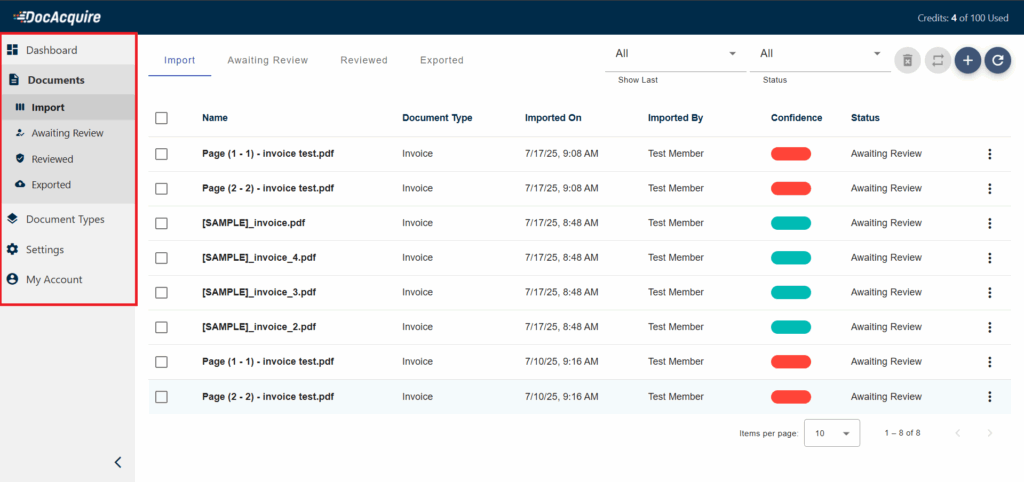
What We Changed:
✅ Completely reorganized the left sidebar for a cleaner, more logical structure.
✅ Grouped related features together so you can find what you need without hunting through menus.
✅ Made the sidebar collapsible, so you can hide it entirely and maximize your workspace whenever you’re focused on document details.
Here’s How This Helps You:
A simpler menu means it’s much quicker to find the tools you need without getting lost in too many options. And when you’re working on documents, having the ability to hide the menu gives you more space on your screen. Whether you’re reviewing large tables or checking details, you’ll have a cleaner, bigger area to work in, helping you stay focused and productive.
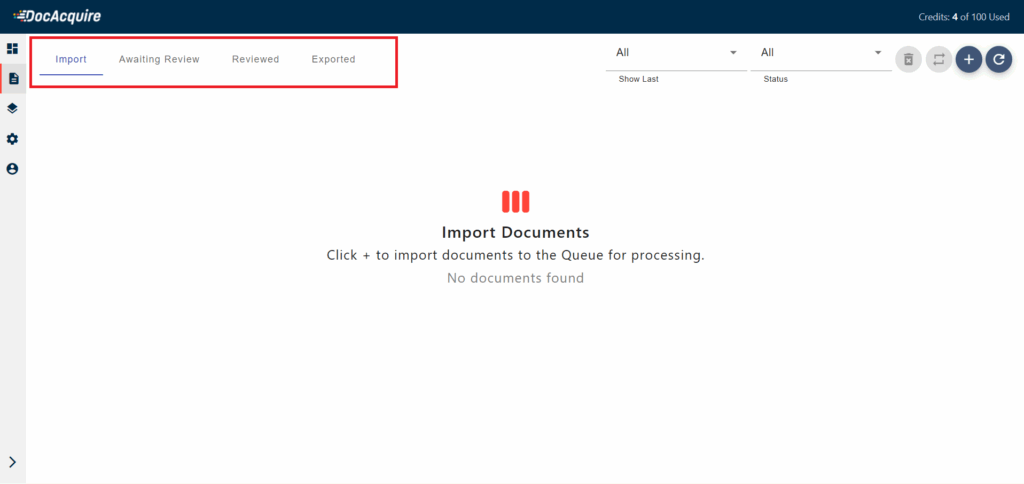
What We Changed:
✅ Introduced new top-level tabs in the Documents section, clearly labeled for each stage of your document lifecycle:
✅ Clicking any tab instantly filters and displays documents in that specific stage, eliminating the need for repeated filtering or extra navigation steps.
Here’s How This Helps You:
Managing documents should be quick and simple, not full of extra clicks. With these new tabs, you can move between different stages of your documents in just one click. It’s much easier to check what’s newly uploaded, see which files need review, or find documents you’ve already finished. Everything is organized and accessible, saving you time and keeping your work flowing smoothly.
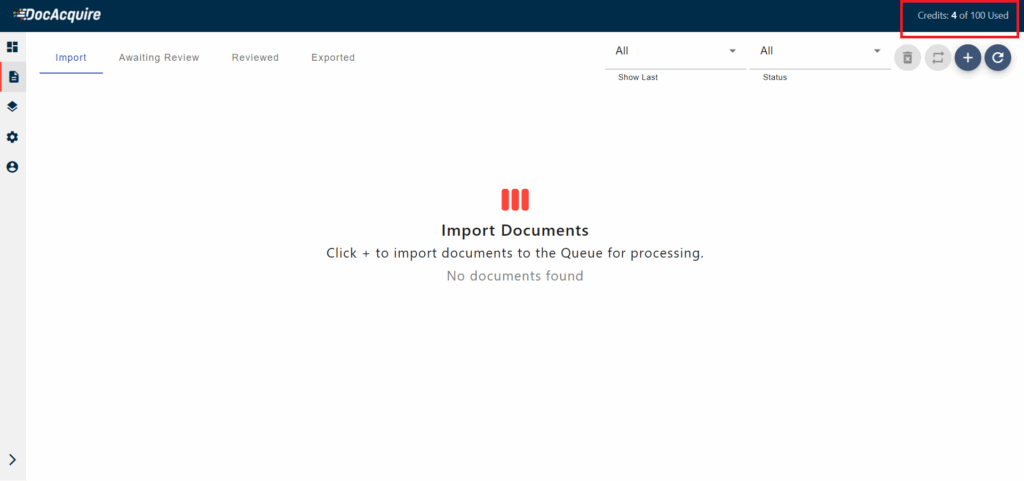
What We Changed:
✅ Gave the top header a modern, minimalistic redesign for a sleek, clutter-free appearance.
✅ Introduced a prominent Credits Indicator showing:
Here’s How This Helps You:
Now it’s much easier to see how many credits you’ve used and how many you have left, right at the top of your screen. This means you always know where you stand without having to dig through settings or reports. Whether you’re planning upcoming projects or simply keeping an eye on usage, this clear view helps you stay in control and avoid unexpected interruptions.
Here’s a quick summary of what we changed:
Our mission has always been to make document processing as effortless as possible. With this UI overhaul, we’ve focused on the features and workflows that matter most to you:
✅ Faster navigation
✅ A more intuitive, modern layout
✅ Better visibility into document states and system usage
These changes are more than cosmetic—they’re designed to save you time, reduce friction, and make working with DocAcquire a genuinely pleasant experience.
We’re excited for you to try the new interface and would love your feedback as we continue refining and enhancing the platform.
👉 Explore the New DocAcquire UI at www.docacquire.com.
Back to blog
At DocAcquire, we’re committed to not only streamlining document processing with intelligent automation but also ensuring that our platform is easy to navigate, user-friendly, and efficient for...
Read article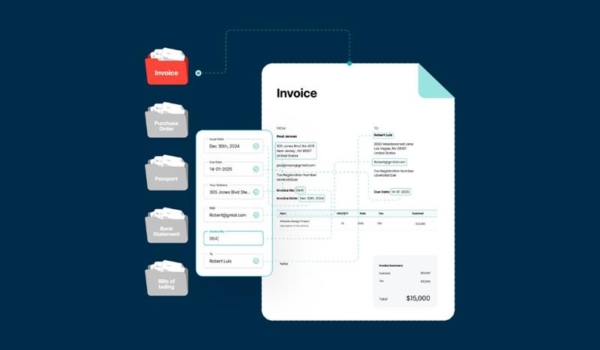
In today’s fast-paced business environment, time is money — especially when it comes to processing documents. Whether you’re dealing with vendor invoices, contracts, utility bills,...
Read article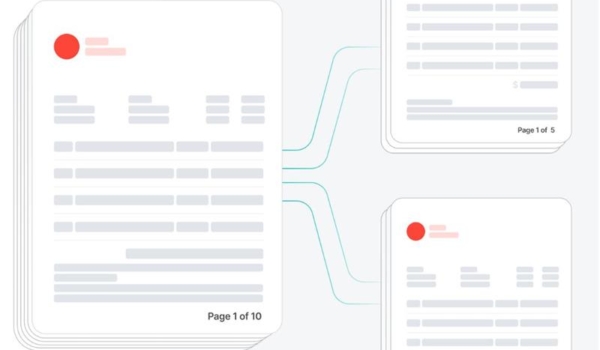
In the realm of Intelligent Document Processing (IDP), handling multi-document files has long posed a critical challenge. Business operations often involve scanning and uploading physical paper...
Read article
In today’s digital world, documents are everywhere — whether it's invoices from suppliers, contracts with clients, purchase orders, insurance claims, onboarding forms, or any other business...
Read article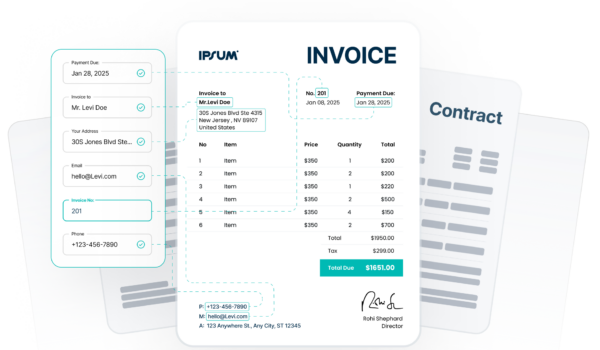
In today’s fast-paced business environment, organizations are increasingly relying on automation to handle massive volumes of documents. However, manual data entry and document processing are...
Read article
What is PDF? PDF (Portable Document Format) is a file format that is used to present and exchange documents reliably, independent of software, hardware, or operating system. PDF was invented by...
Read article